Analyra
AI website testing grounded in browser evidence
Analyra uses AI-guided browser interaction to exercise a configured flow on a target you select. Each report is tied to that run’s observed evidence; optional AI analysis is separate and may be unavailable.
Try a website testView pricing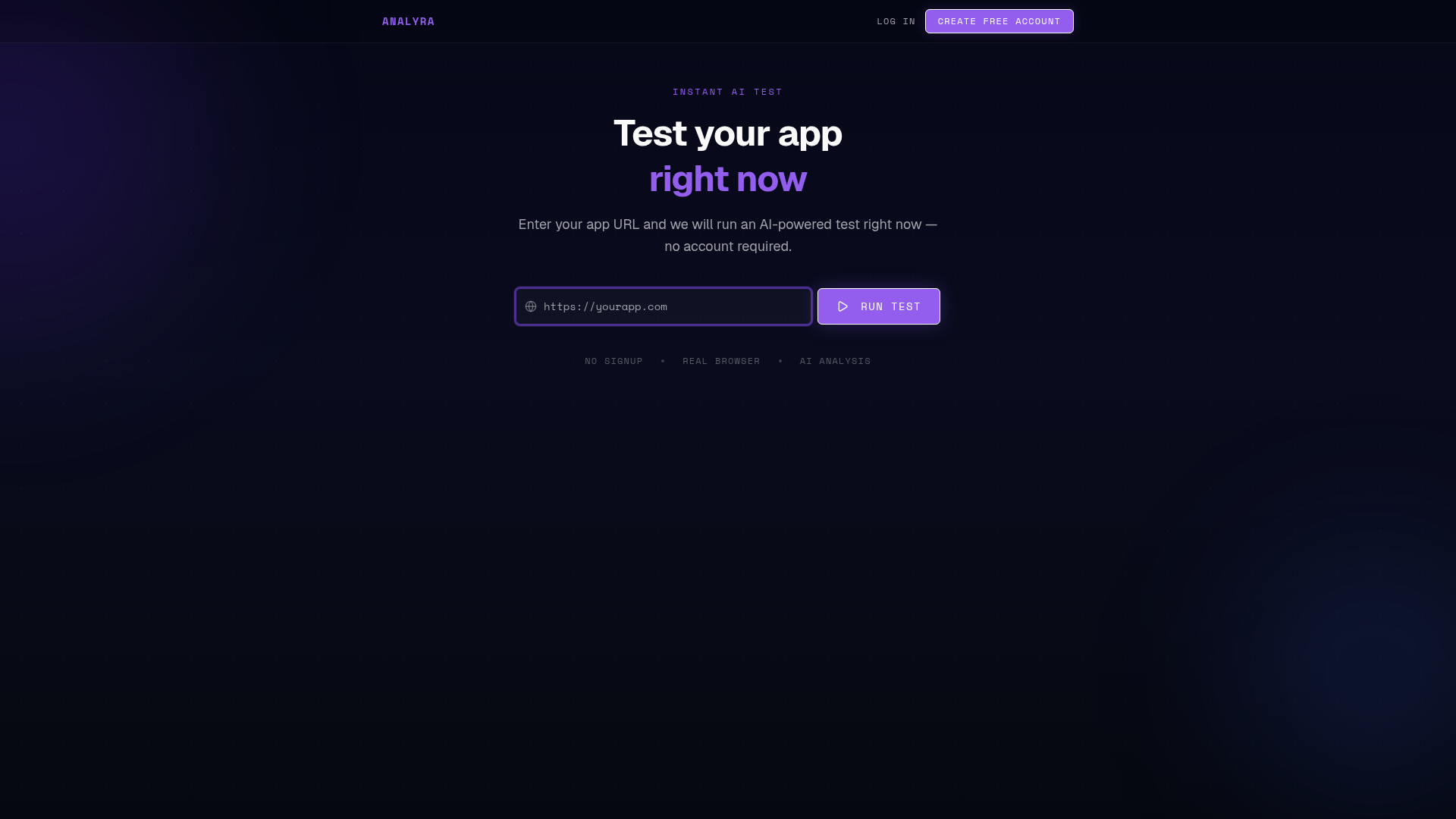
What AI-guided testing does
A configured browser journey gives the agent a target and goal. It can interact with reachable pages and controls, then record the steps and outcomes observed during that run.
This is different from a guarantee that every possible path works. A report should be read as evidence about the tested journey, target, and run—not as proof of overall site quality.
How to review a run
Start with the recorded steps and their outcomes. Distinguish a failure from a check that was incomplete, unverified, or not run; those states do not mean the same thing.
AI-generated impact or priority analysis is a separate layer. It may help interpret evidence, but it does not replace the browser record and may not be available for every run.
When to use it
Use AI-guided browser testing to check a high-value flow before a release or to revisit a configured flow on a schedule. Choose an environment where the test is authorized and safe to run.
For flows that depend on one-time codes, external identity providers, or payment processors, plan test accounts and sandbox behavior first. A browser run does not establish account, payment, or settlement correctness.
Frequently asked questions
Does AI testing prove the whole website works?
No. A run records evidence for the configured journey and target. It does not cover every route, user, device, or possible state.
Are AI findings the same as test results?
No. Observed browser outcomes and optional AI analysis are separate. Review the underlying run evidence first.