Analyra
Test the journeys users rely on
Automated user journey testing checks a configured browser flow against a target environment. Analyra records what the browser observed so teams can review the run without treating missing evidence as a pass.
Try a browser testExplore AI website testing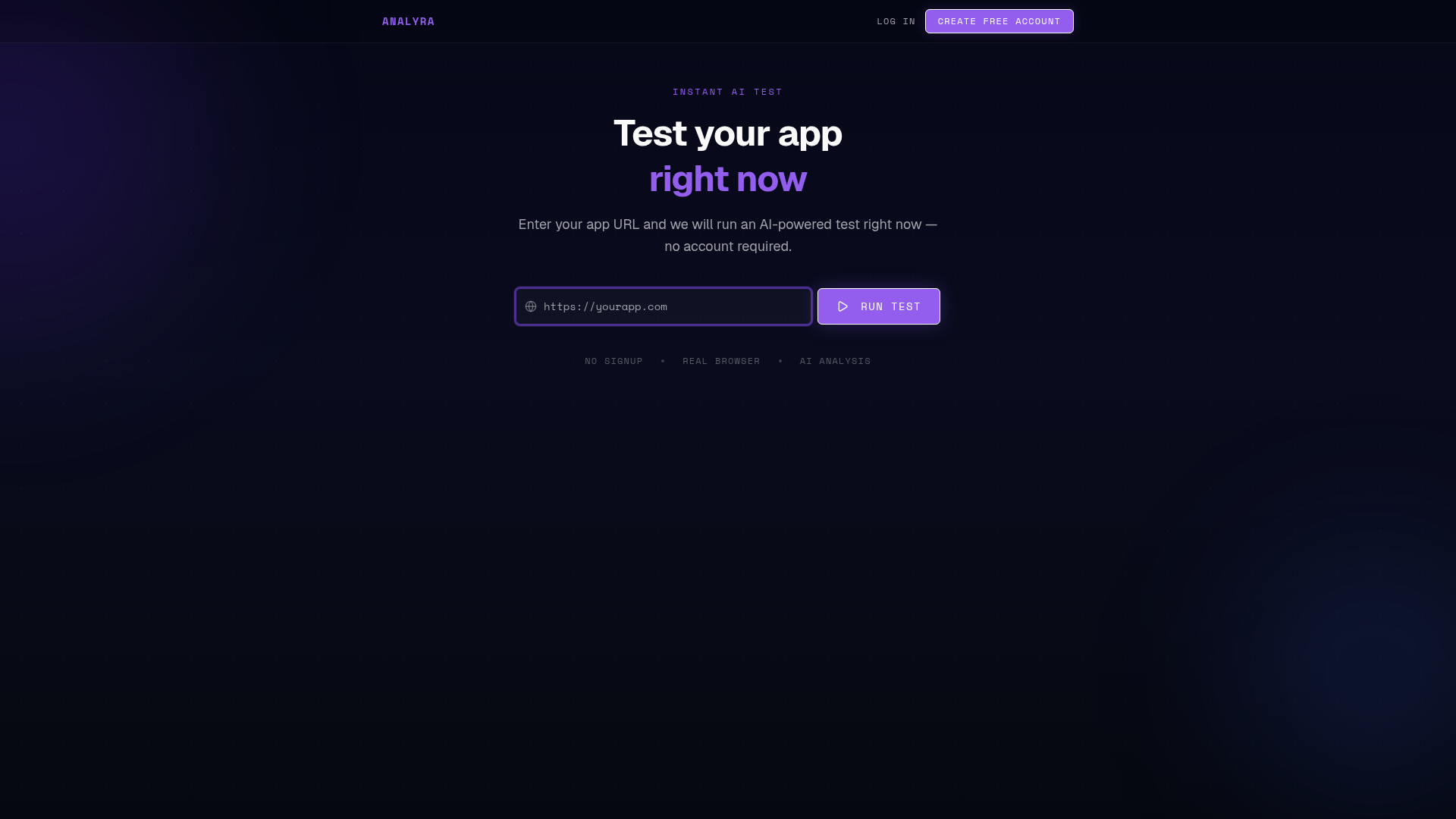
Choose a journey with a clear goal
Start with a flow users need to complete, such as reaching a key page, submitting a form, or following a redirect. Describe the intended outcome and provide the access conditions the test requires.
Keep the goal narrow enough to review. A journey that bundles unrelated tasks can make it harder to identify which observed step needs attention.
Run against the right environment
Use a staging environment when a journey creates accounts, changes data, sends messages, or triggers third-party services. Confirm that credentials and test data are appropriate for the environment.
A browser agent can only report on pages and controls it can reach during the run. Authentication walls, blocked resources, CAPTCHA, and external provider behavior may limit what can be verified.
Use evidence to guide the next step
Review the ordered steps, navigation, and observed outcomes. A failed action is different from an incomplete or unverified check; keep those distinctions when deciding whether to rerun or investigate.
Scheduled tests can revisit configured journeys, but they are periodic checks—not continuous observation of real users or real-time uptime monitoring.
Frequently asked questions
Can a journey include a signup flow?
Yes, when the test environment and account setup support it. A run can exercise visible browser steps, but it does not guarantee successful identity verification or account provisioning.
Does this replace end-to-end test suites?
It is a different approach. Keep deterministic tests for precise, repeatable assertions and use AI-guided runs where flexible browser interaction and recorded evidence are useful.